Windows 10 Home License Key
Affordable Windows 10 Home Activation Key from AccountBot.org
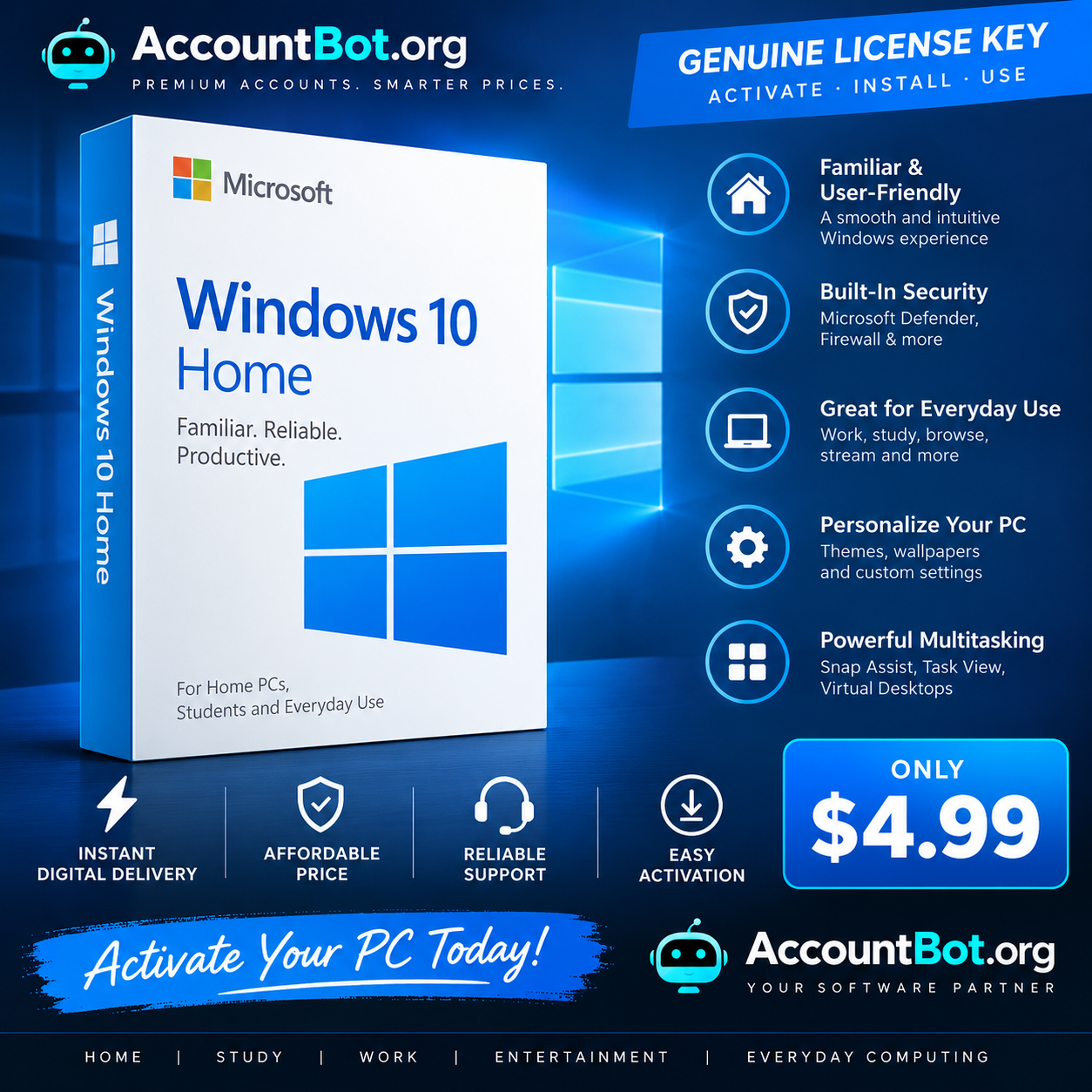
Activate your compatible Windows PC with a Windows 10 Home License Key from AccountBot.org for only $4.99.
Windows 10 Home provides the familiar Windows desktop experience with useful productivity, multitasking, personalization, networking, and built-in system features designed for everyday computing.
Whether you’re setting up a home computer, student PC, entertainment system, or compatible older device, our digital Windows 10 Home activation key provides a convenient way to activate your Windows installation.
Price: $4.99
Windows 10 Home Key Features
Familiar Windows Experience
Enjoy the classic Windows interface with the Start menu, taskbar, desktop, File Explorer, Settings, and other familiar tools designed for straightforward everyday use.
Built-In Security Features
Windows 10 Home includes built-in security technologies such as:
- Microsoft Defender Antivirus
- Windows Firewall
- Windows Security
- User account protection
- Parental and family controls
- Privacy settings
Important: Standard Microsoft support for Windows 10 ended on October 14, 2025. Customers should consider Windows 11 for supported compatible hardware or review Microsoft’s available Windows 10 Extended Security Updates options where applicable.
Powerful Multitasking
Work efficiently across multiple applications with productivity features including:
- Snap Assist
- Task View
- Virtual Desktops
- Multiple-window management
These features make Windows 10 Home suitable for browsing, studying, office work, media consumption, and general everyday computing.
Microsoft Edge
Browse the web using Microsoft Edge and access modern web applications, online services, downloads, and cloud-based productivity tools.
Personalization Options
Customize your Windows desktop with:
- Wallpapers
- Themes
- Accent colors
- Lock-screen settings
- Start menu preferences
- Display settings
Create a Windows environment that matches your personal style and workflow.
Entertainment & Everyday Computing
Windows 10 Home supports a wide range of compatible applications for:
- Streaming
- Gaming
- Web browsing
- Video playback
- Music
- Communication
- Productivity
- Education
Software and hardware compatibility may vary by application and device.
Why Buy a Windows 10 Home License Key from AccountBot.org?
Affordable Price
Get a Windows 10 Home activation key for only $4.99, providing an economical activation option for compatible Windows 10 installations.
Fast Digital Delivery
Your license key is delivered digitally after your order has been successfully processed, allowing you to begin the activation process without waiting for physical shipping.
Simple Activation
Enter your valid product key through the Windows Activation settings and follow the on-screen instructions to activate your installation.
Activation eligibility may depend on your installed Windows edition, device configuration, previous licensing status, and Microsoft’s activation requirements.
Customer Support
If you experience an eligible order or key-related issue, AccountBot.org support can assist according to the applicable product and warranty terms.
No Physical Shipping Required
This is a digitally delivered product, making it convenient for customers who need a Windows activation key without purchasing boxed installation media.
Perfect For
A Windows 10 Home License Key can be suitable for:
- Home computers
- Student PCs
- Personal laptops
- Family computers
- Older compatible desktops
- Entertainment PCs
- Everyday productivity
- Reinstalling Windows 10 Home on compatible hardware
Windows 10 Home Activation Guide
Activating Windows 10 Home is straightforward:
- Make sure Windows 10 Home is installed on your computer.
- Open Settings.
- Go to Update & Security.
- Select Activation.
- Choose the option to change or enter a product key.
- Enter your Windows 10 Home license key.
- Follow the on-screen activation instructions.
An internet connection may be required for online activation.
Important Compatibility Information
Before purchasing, confirm that you need a key specifically for Windows 10 Home.
A Windows 10 Home key may not activate a different edition such as:
- Windows 10 Pro
- Windows 10 Enterprise
- Windows 10 Education
- Other Windows editions
Customers should verify their currently installed Windows edition before ordering.
Important Windows 10 Support Notice
Windows 10 reached the end of standard Microsoft support on October 14, 2025.
Windows 10 computers can continue to operate after this date, but standard security updates, feature updates, and Microsoft technical support are no longer provided under the normal Windows 10 lifecycle.
For newer compatible hardware, customers may want to consider Windows 11.
Buy Windows 10 Home License Key Online
Looking for an affordable way to activate Windows 10 Home?
Purchase your Windows 10 Home License Key from AccountBot.org for $4.99 and receive convenient digital delivery for your compatible PC.
Verify that Windows 10 Home is installed on your device before purchasing and follow the standard Windows activation process after receiving your key.
Activate Windows. Get productive. Keep your PC ready for everyday use.
FAQs
What is a Windows 10 Home License Key?
A Windows 10 Home license key is a product key used to activate a compatible installation of the Windows 10 Home operating system.
How much is the Windows 10 Home key?
The Windows 10 Home License Key is listed on AccountBot.org for $4.99.
How will I receive my Windows 10 Home key?
The product key is delivered digitally after your order has been processed. No physical product needs to be shipped.
How do I activate Windows 10 Home?
Open Windows Settings, navigate to the Activation section, select the option to enter or change your product key, and enter the key you received. Follow Microsoft’s on-screen activation instructions.
Will this key activate Windows 10 Pro?
No. You should purchase the product key that matches the Windows edition installed on your computer. A Windows 10 Home key is intended for Windows 10 Home.
How can I check which Windows edition I have?
Open Settings > System > About and review the Windows specifications section to identify your installed edition.
Does Windows 10 still receive security updates?
Standard Windows 10 support ended on October 14, 2025. Microsoft no longer provides normal security updates, feature updates, or standard technical assistance for Windows 10 under its regular lifecycle. Extended Security Update options may be available for eligible devices.
Can Windows 10 still be used after end of support?
Yes. Windows 10 can continue to operate after its end-of-support date, although customers should understand the security and support limitations associated with using an operating system outside its standard support lifecycle.
Do I receive a physical Windows DVD or USB?
No. This listing is for a digitally delivered license key unless the individual product listing specifically states otherwise.
Does the key include Windows installation files?
A product key and Windows installation media are different products. Customers should check the specific listing details regarding installation media or download instructions.
Is an internet connection required?
An internet connection is generally recommended for activation, updates, downloads, and Microsoft online services.
Can I use the key on any computer?
Activation eligibility depends on the license type, device, installed edition, and Microsoft’s licensing and activation rules. Customers should review the specific license terms supplied with the product before purchasing.













 Pick up from the Woodmart Store
 Courier delivery
 DHL Courier delivery
 Warranty 1 year
 Free 30-Day returns

Reviews
Clear filtersThere are no reviews yet.