

Claude Pro vs ChatGPT Plus for Writing and Coding Workflows

Claude Pro vs ChatGPT Plus for Writing and Coding Workflows
Paid AI plans stop being abstract the week a deadline hits. Choosing Claude Pro vs ChatGPT Plus is less about fan camps and more about which assistant stays useful across your real writing and coding loops: briefs, rewrites, refactors, tests, and the messy middle where context gets long.
Feature lists change quarter to quarter. Treat this as a workflow guide for 2026 habits, and re-check official plan pages before you renew. Third-party digital stores may stock access credits; none of them are the model vendors themselves.
Writing Workflows: Drafts, Edits, and Tone
For long-form writing, watch how each tool handles a 2,000-word draft you paste in chunks. You want consistent voice, fewer invented facts, and edits that do not flatten your style into bland corporate paste.
- Claude Pro: Often favored for careful long-document reading, structured edits, and staying close to instructions in dense briefs.
- ChatGPT Plus: Strong generalist with a huge ecosystem of custom tools/GPTs and multimodal habits many teams already standardized on.
- Shared rule: You still own fact-checking. Paid plans speed drafting; they do not replace source notes.
A practical writing test: give both tools the same outline, sample paragraphs in your voice, and three hard constraints (reading level, banned phrases, citation style). Score which output needs less surgery. That score matters more than a launch blog’s benchmark chart.
Coding Workflows: Refactors, Tests, and Explanations
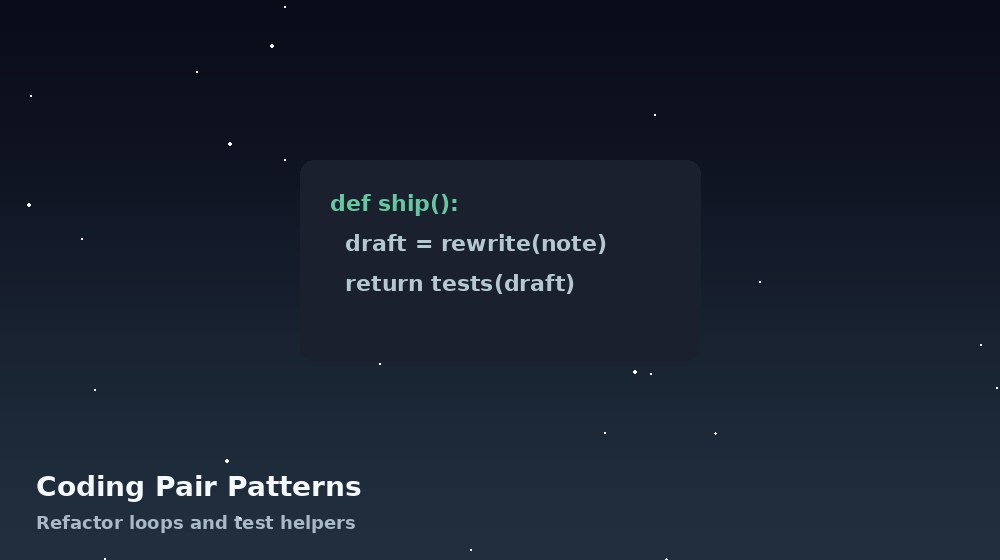
For coding, the winning plan is the one that helps you ship with fewer regressions. Ask for:
- A refactor plan before code
- Unit tests next to the change
- An explanation of failure modes
- A smaller diff when you already know the architecture
ChatGPT Plus users often lean on the wider plugin/tool culture and familiar chat UX. Claude Pro users often praise thoughtful reasoning over larger pasted codebases—again, verify with your stack. Paste proprietary secrets into neither without a policy. Use redacted samples.
Limits, speed, and peak hours
Paid tiers still have rate limits. If you burst hard during launches, watch how often you hit ceilings. Keep a lightweight secondary tool for overflow rather than rage-refreshing the same chat.
Team Habits and Tool Sprawl
Solo freelancers can switch plans monthly. Teams pay a switching tax: shared prompts, saved custom assistants, and onboarding docs. If five people already speak “ChatGPT,” Claude may still win for a specialist writer—but document why.
Resellers building an AI catalog should describe jobs-to-be-done (“long proposal editing,” “Python refactor buddy”) instead of stacking logos. AccountBot-style education helps buyers pick a seat that matches work, not hype.
Who Should Prefer Claude Pro
- Your week is dense documents, policies, or research synthesis.
- You paste long briefs and care about instruction-following detail.
- You want careful rewrites more than a huge third-party GPT store.
- Your coding help skews toward reading large files and proposing safer changes.
Who Should Prefer ChatGPT Plus
- You already built custom GPTs or team prompts around ChatGPT.
- You need a flexible generalist across writing, light data, and code.
- Multimodal habits (images, voice, file rounds) are part of your week.
- Your collaborators expect ChatGPT-shaped workflows.
A One-Week Bake-Off
Day 1–2: identical writing tasks. Day 3–4: identical coding tasks. Day 5: measure time-to-usable output and error rate. Keep the plan that reduced your revision time by the larger margin. Cancel the other without loyalty guilt.
Prompt Libraries and Reusable Workflows
The paid plan you keep is usually the one where your prompt library lives. Export or document your best prompts weekly: tone samples, coding review checklists, and “rewrite without fluff” instructions. Switching later is easier when your IP is in a doc, not trapped in one chat history.
For writing teams, store brand voice samples in a shared folder and paste them at the start of major tasks. For coding teams, keep a short “definition of done” the model must satisfy: tests, edge cases, and no drive-by refactors.
Multimodal and File Habits
If your week includes screenshots, PDFs, and CSV snippets, test those flows on both plans with the same files. Measure whether the assistant correctly reads tables, follows redlines, or invents cells that were never there. Hallucinated spreadsheet numbers are expensive—catch them in the bake-off.
Voice input helps some people draft faster while walking. Others find it creates cleanup work. Try it for three commuting sessions before you call it a reason to subscribe.
Security and Client Data
Freelancers handling client drafts should scrub names, credentials, and unpublished financials. Use placeholders. Prefer plans and settings that match your client contracts. When in doubt, run sensitive work in a reduced-context mode or locally for the private bits.
Stores that sell AI seats should include a one-screen “safe usage” note: no password pasting, no regulated data, verify facts. That tiny note prevents a surprising amount of support pain and protects buyers.
Concrete Bake-Off Tasks You Can Copy
Writing task A: turn bullet notes into a 800-word client update with a calm tone and no hype words. Writing task B: cut a bloated FAQ to half length without losing policy meaning. Coding task A: refactor a 120-line Python script for readability and add pytest cases. Coding task B: explain a failing stack trace and propose the smallest fix.
Score each output from 1 to 5 on accuracy, edit time required, and whether you would send it to a client after light polish. Average the scores across four tasks. The higher average is your default plan for the next quarter.
Also time yourself. A model that writes prettier prose but forces twenty minutes of fact repair loses to a plainer model that needs five minutes of polish. Freelancers sell time; measure time.
Cost Per Productive Hour
Divide the monthly plan price by the hours it clearly saved. If ChatGPT Plus saved six hours of outlining and Claude Pro saved eight hours of long-doc edits, compare those effective rates. Include the hours spent coaxing bad answers—that is negative savings.
If both plans save similar time, keep the one your collaborators already understand. Switching costs are real even when raw quality is close.
Bottom line: Claude Pro vs ChatGPT Plus is a workflow decision. Claude often shines on careful long-context writing and thoughtful code reading; ChatGPT Plus often wins on ecosystem and generalist breadth. Pay for the assistant that shortens your revision loop.